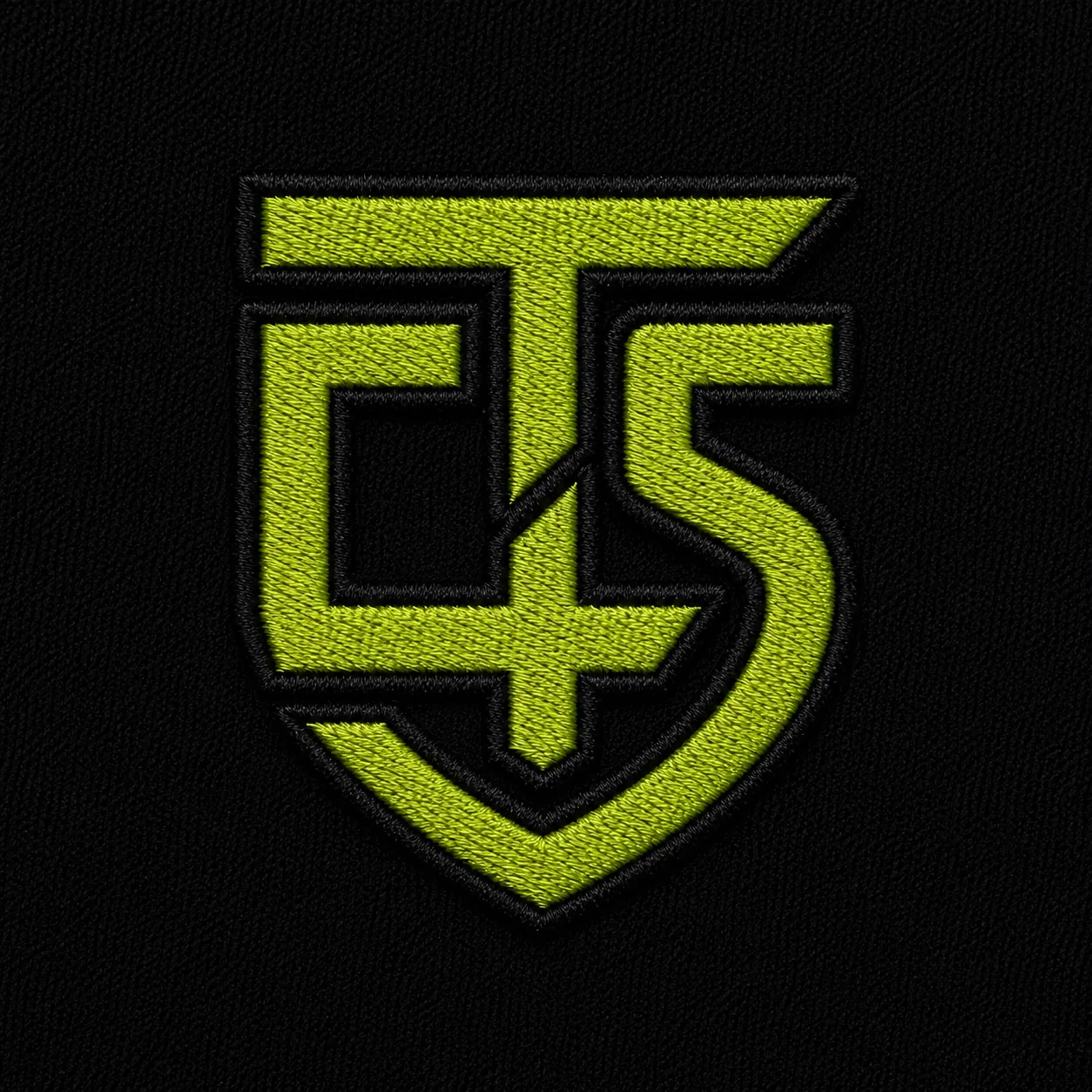
What you will build
A photorealistic embroidered logo still and a vertical one-shot animation where thread builds the mark across textured fabric.
Tools used
- ChatGPT Create Image
- Artlist AI video
- Gemini Omni Flash video model
Before you start
- A clean, high-resolution PNG or JPG of a logo
- ChatGPT access with image creation enabled
- Artlist AI video access with Gemini Omni Flash available
- Permission to use the logo you upload
Step-by-step walkthrough

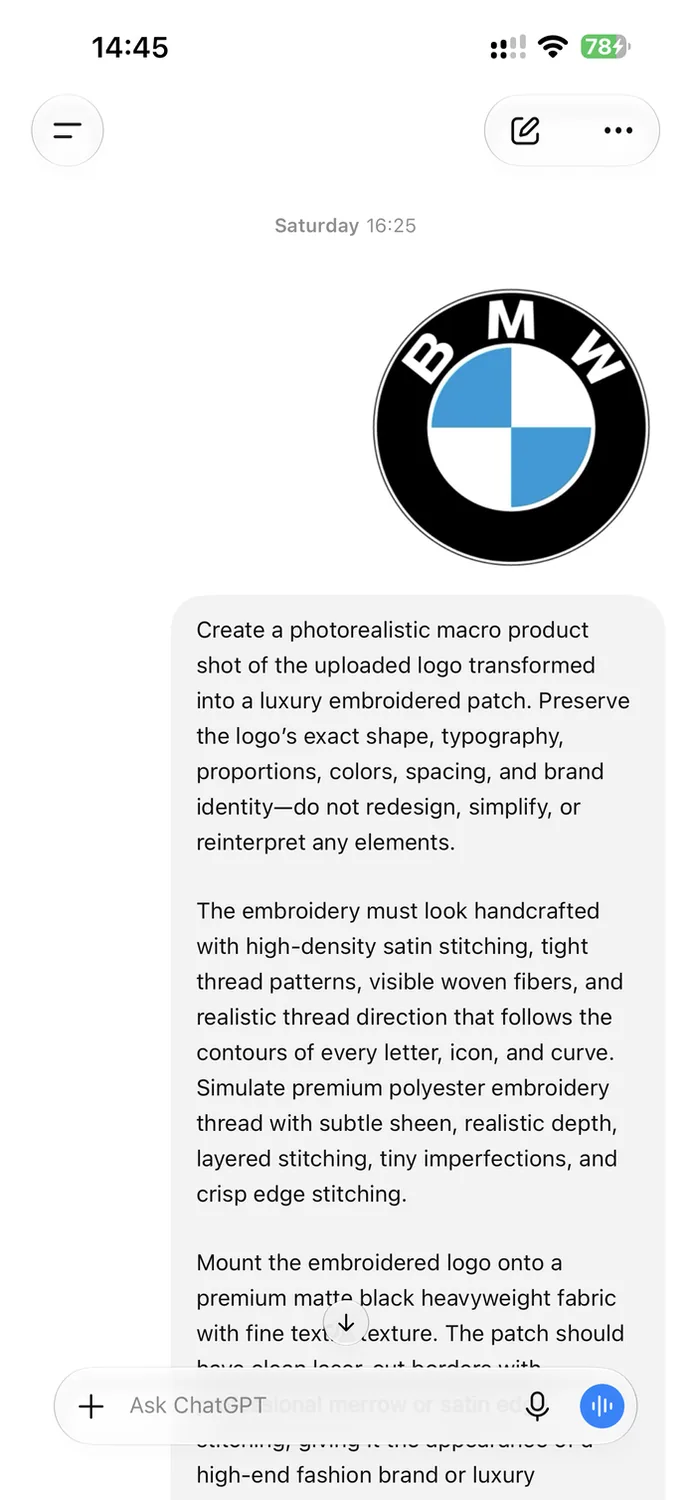
Prepare a clean source logo
Start with the highest-quality version of your logo. A square PNG with clear edges and strong contrast gives the image model the best chance of preserving the exact geometry. Crop away screenshots, browser controls, and unnecessary margins before uploading.
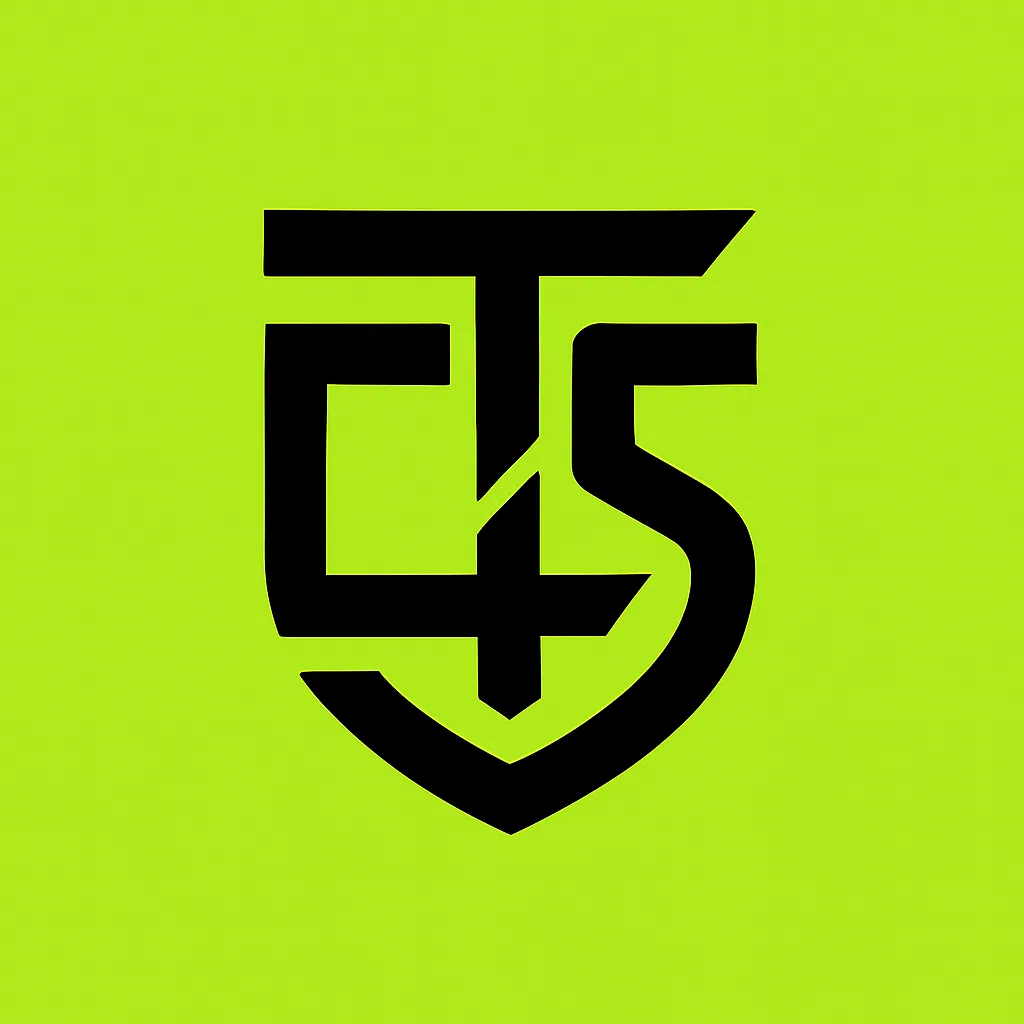
TECH4SSD tip
Use a logo you own or have permission to transform. Keep the untouched source file beside the generated version for the accuracy check later.

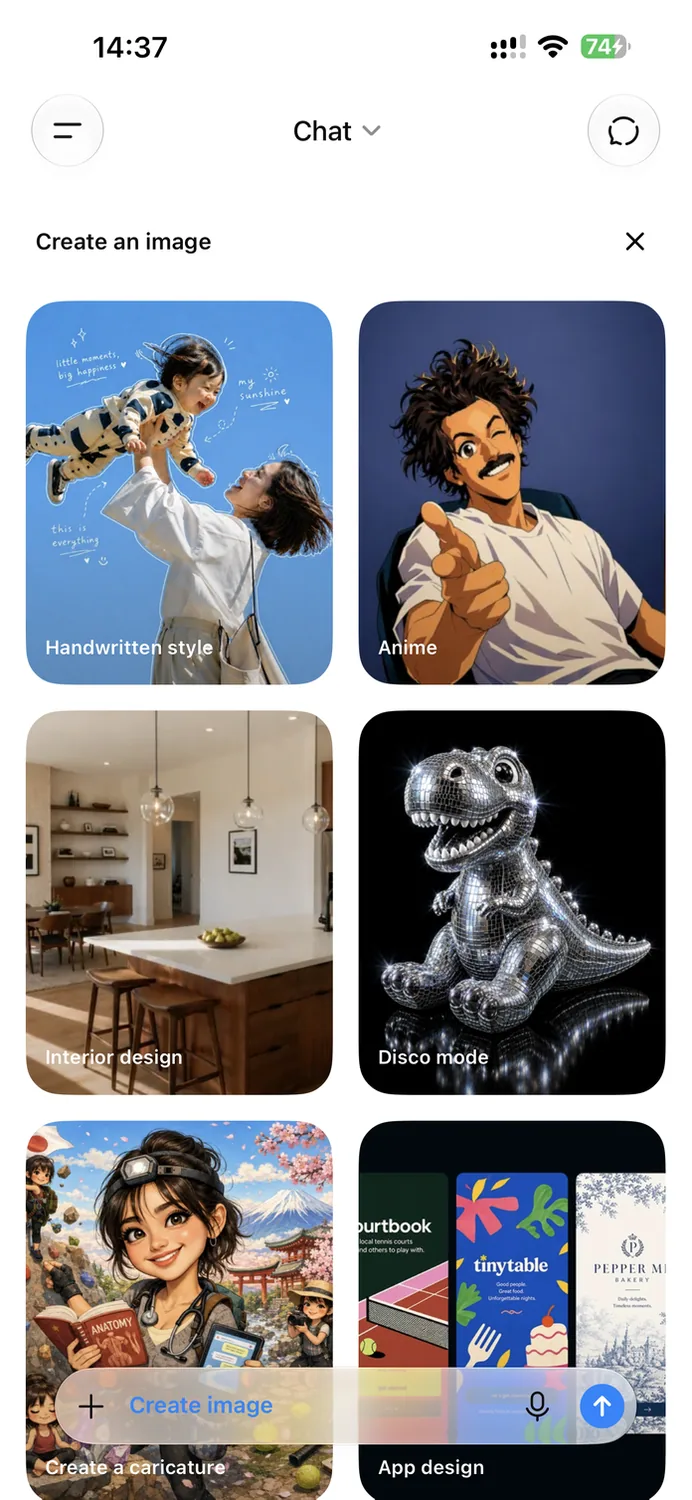
Open ChatGPT Create Image and upload the logo
In ChatGPT, open the Create Image experience. Add the logo as the reference image before pasting the prompt. Do not describe a new logo. The uploaded artwork is the identity reference that the model must preserve.
TECH4SSD tip
Upload the logo first, then add the prompt in the same message so the model treats the file as the visual source.

Generate the embroidered still
Paste this complete prompt beneath the uploaded logo and generate the image. It specifies the embroidery construction, fabric, lighting, framing, and brand-preservation rules in one pass.
Exact prompt
Create a photorealistic macro product shot of the uploaded logo transformed into a luxury embroidered patch. Preserve the logo's exact shape, typography, proportions, colors, spacing, and brand identity. Do not redesign, simplify, or reinterpret any elements. The embroidery must look handcrafted with high-density satin stitching, tight thread patterns, visible woven fibers, and realistic thread direction that follows the contours of every letter, icon, and curve. Simulate premium polyester embroidery thread with subtle sheen, realistic depth, layered stitching, tiny imperfections, and crisp edge stitching. Mount the embroidered logo onto a premium matte black heavyweight fabric with fine textile texture. The patch should have clean laser-cut borders with professional merrow or satin edge stitching, giving it the appearance of a high-end fashion brand or luxury streetwear label. Use cinematic studio lighting with soft diffused key light, subtle rim lighting, and realistic shadows that reveal the texture of every thread and fiber. Focus on ultra-sharp macro detail, shallow depth of field, and premium product photography aesthetics. The logo must remain perfectly centered, occupying approximately 70 to 80% of the frame with balanced negative space. The background should be minimal, elegant, and free of distractions. Color reproduction must exactly match the original logo while preserving realistic thread reflections and fabric interaction. Every stitch should appear physically sewn into the fabric, not printed or digitally painted. The final image should look like a photograph captured with a professional DSLR macro lens, 100mm macro at f/4, featuring extreme detail, HDR quality, 8K resolution, luxury fashion branding aesthetics, premium craftsmanship, realistic textile physics, commercial advertising quality, and absolutely no AI artifacts, distortion, warped text, extra shapes, duplicated elements, or altered branding.
TECH4SSD tip
If text, spacing, or symbols change, regenerate from the original logo. Do not animate a still that has already damaged the brand mark.

Inspect and save the strongest result
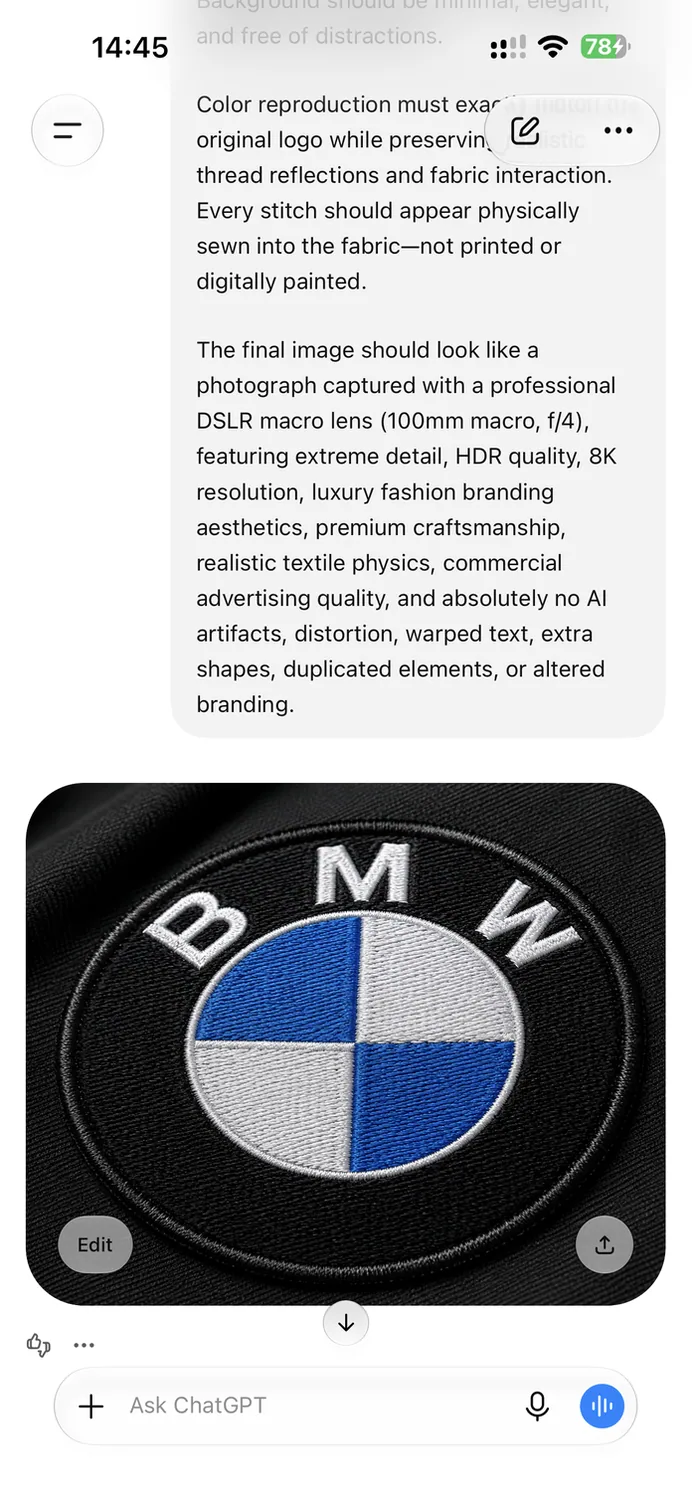
Zoom into the generated image before saving it. Compare the silhouette, letter spacing, internal cuts, colors, and border against the original. The TECH4SSD result below keeps the core geometry while adding believable satin stitching and a clean embroidered edge.
TECH4SSD tip
Save the generated image at its full resolution. Avoid taking a screenshot when the original download is available.

Set up the animation in Artlist
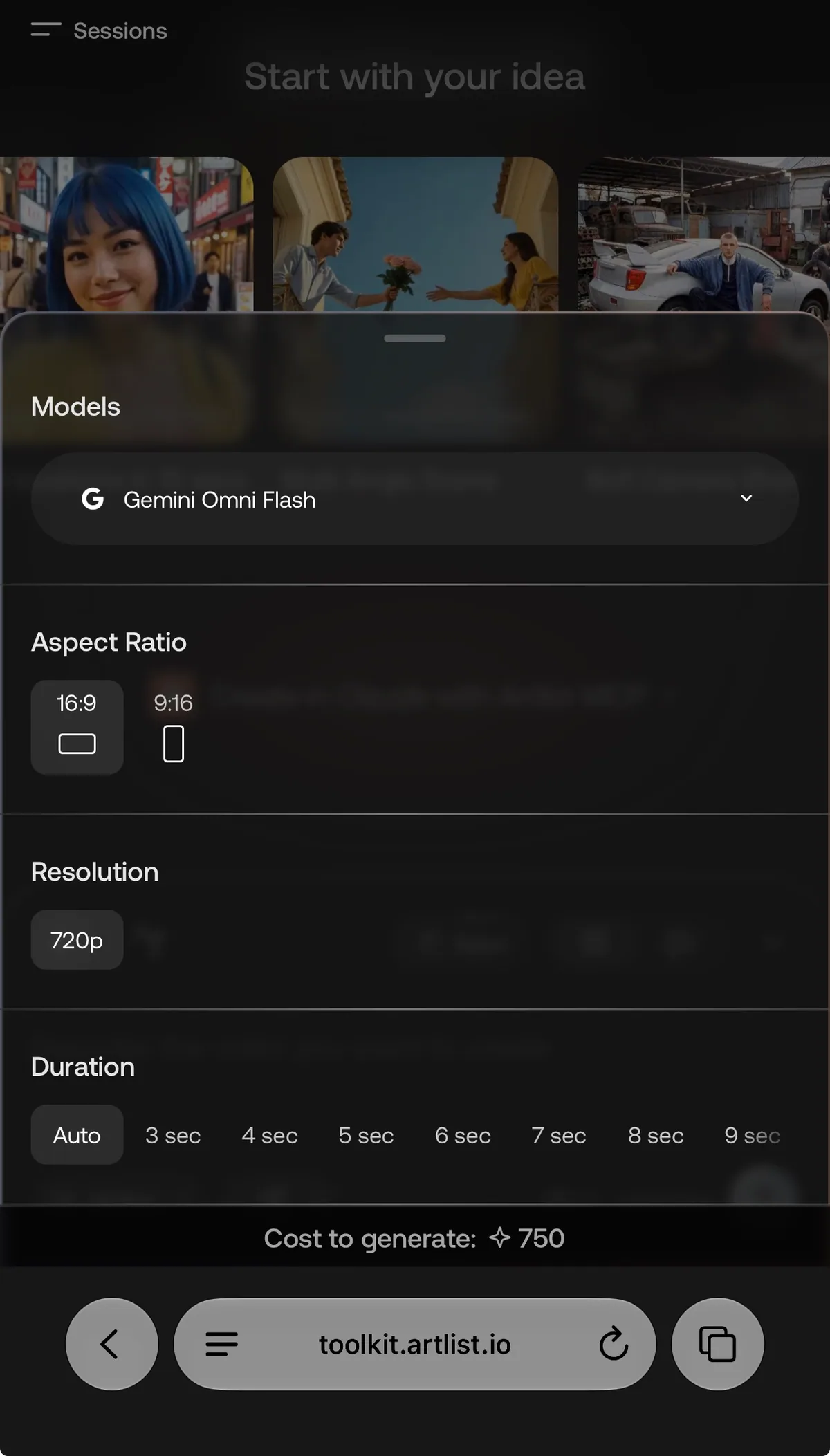
Open Artlist AI video and choose Gemini Omni Flash. Select a 9:16 aspect ratio for Reels, use the highest available resolution, and choose a five-second duration. Upload the approved embroidered still as the image reference.
TECH4SSD tip
A five-second generation is long enough to show the stitching build while staying fast and satisfying.

Paste the animation prompt and generate
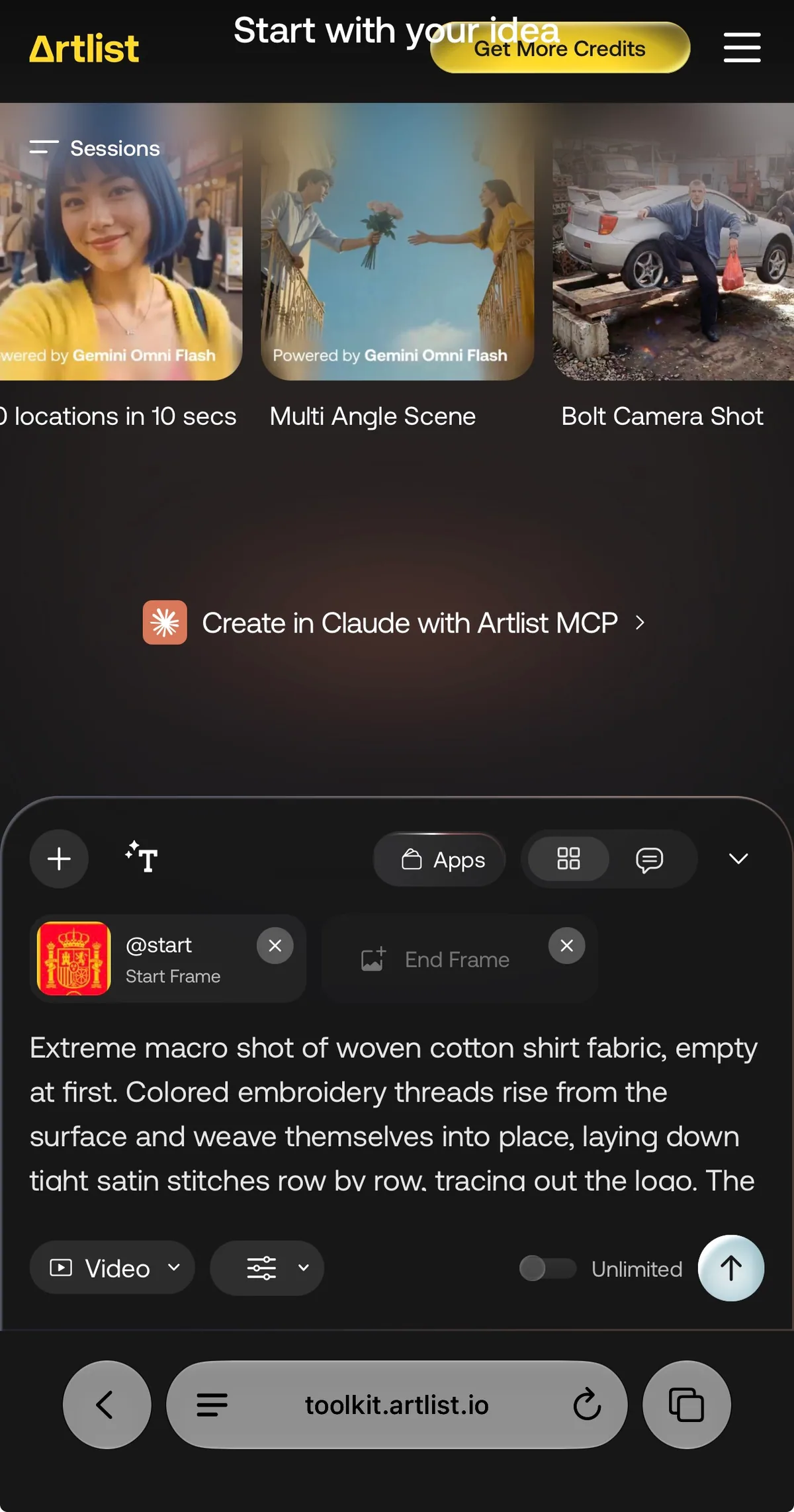
Use the image-to-video mode, keep the embroidered still attached, then paste this prompt. The motion is deliberately limited to one steady macro shot so the model spends its effort on thread growth instead of camera movement or scene changes.
Exact prompt
Extreme macro shot of woven cotton shirt fabric, empty at first. Colored embroidery threads rise from the surface and weave themselves into place, laying down tight satin stitches row by row, tracing out the logo. The stitched area grows steadily across the frame, thread pulling taut and raising into dimensional embroidered texture, until the full logo is complete. Camera holds steady, slow satisfying timelapse pace. Soft natural side light, shallow depth of field, visible fabric fibers and realistic thread sheen. No hands. Thread moves on its own. One shot, no scene change.
TECH4SSD tip
If the first frame begins with the finished logo, regenerate. The intended sequence starts on empty fabric and builds the stitching progressively.
Run a final brand-accuracy check
Watch the entire animation at full size. Check the first frame, the build sequence, and the final logo against your source. In this demonstration, the animation introduced an extra star above the Spain crest. That is exactly the kind of small change to catch before client delivery. Regenerate from the corrected still until every brand detail matches.
TECH4SSD tip
Treat the final frame like a logo proof. Cinematic motion never excuses altered typography, symbols, colors, or proportions.
Compare a tighter macro variation
This TECH4SSD variation uses a tighter crop and more aggressive macro framing. Compare it with the wider result, then choose the version that keeps the full mark legible on a phone screen. For most Reels, a little more negative space makes the final reveal feel more premium.
TECH4SSD tip
Preview the exported video at actual phone size. If the logo feels cropped or hard to read, widen the source framing and regenerate.

Export and publish
Download the strongest animation as an MP4 in 9:16 format. Keep the original generation, the approved still, and the source logo together so future revisions remain consistent. Add the animation to your edit, place the final reveal on the beat, and export using the highest vertical resolution available.
TECH4SSD tip
Keep a clean master without captions. Add platform-specific text in the final edit so the same animation can be reused across Instagram, TikTok, and Shorts.
Continue from here
Explore more production prompts