Before you begin
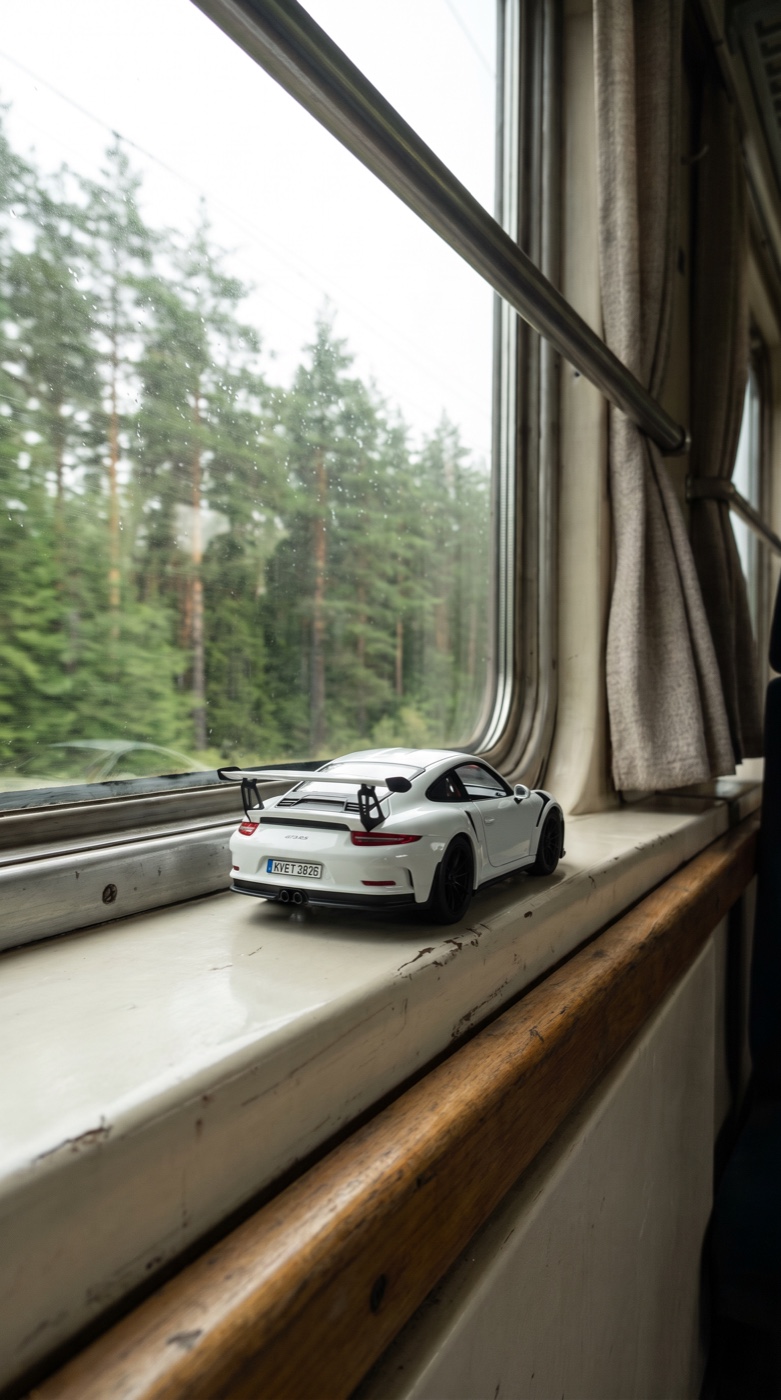
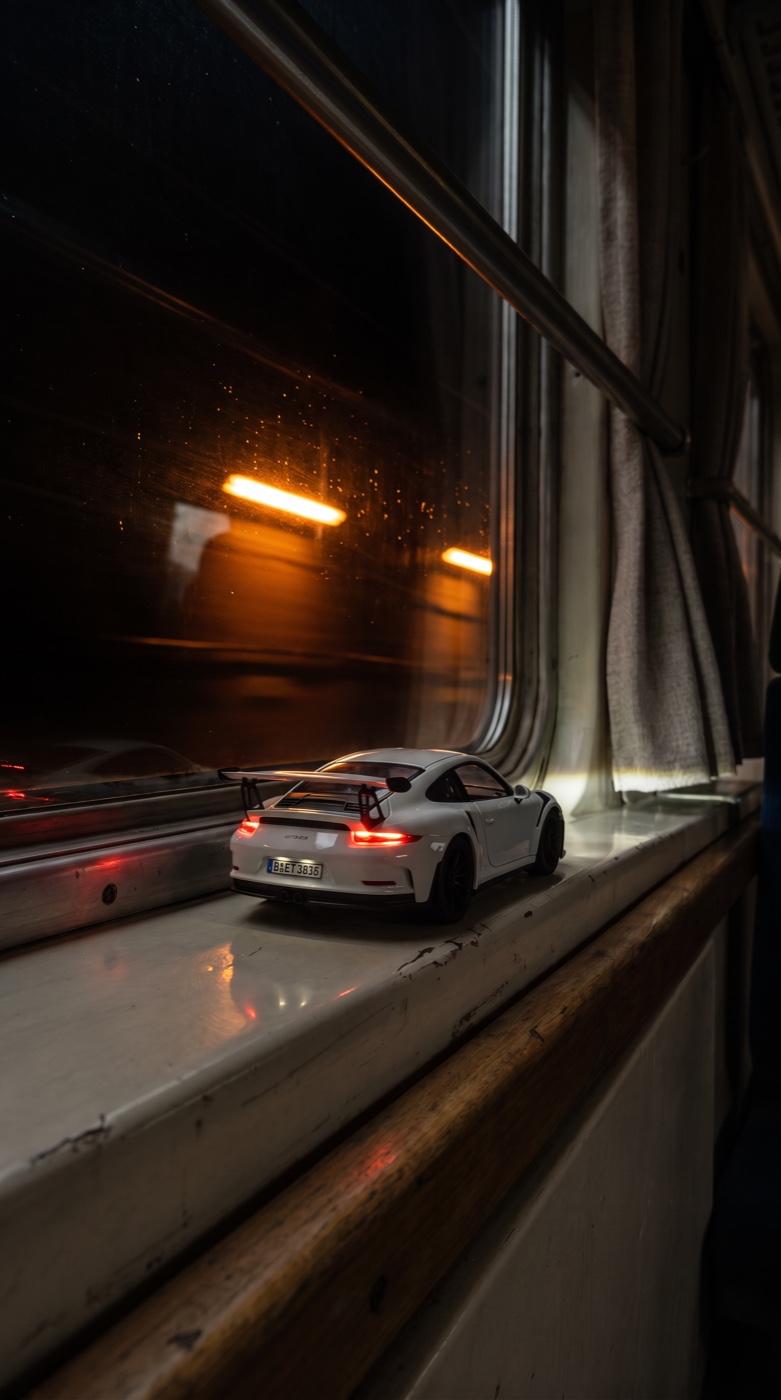
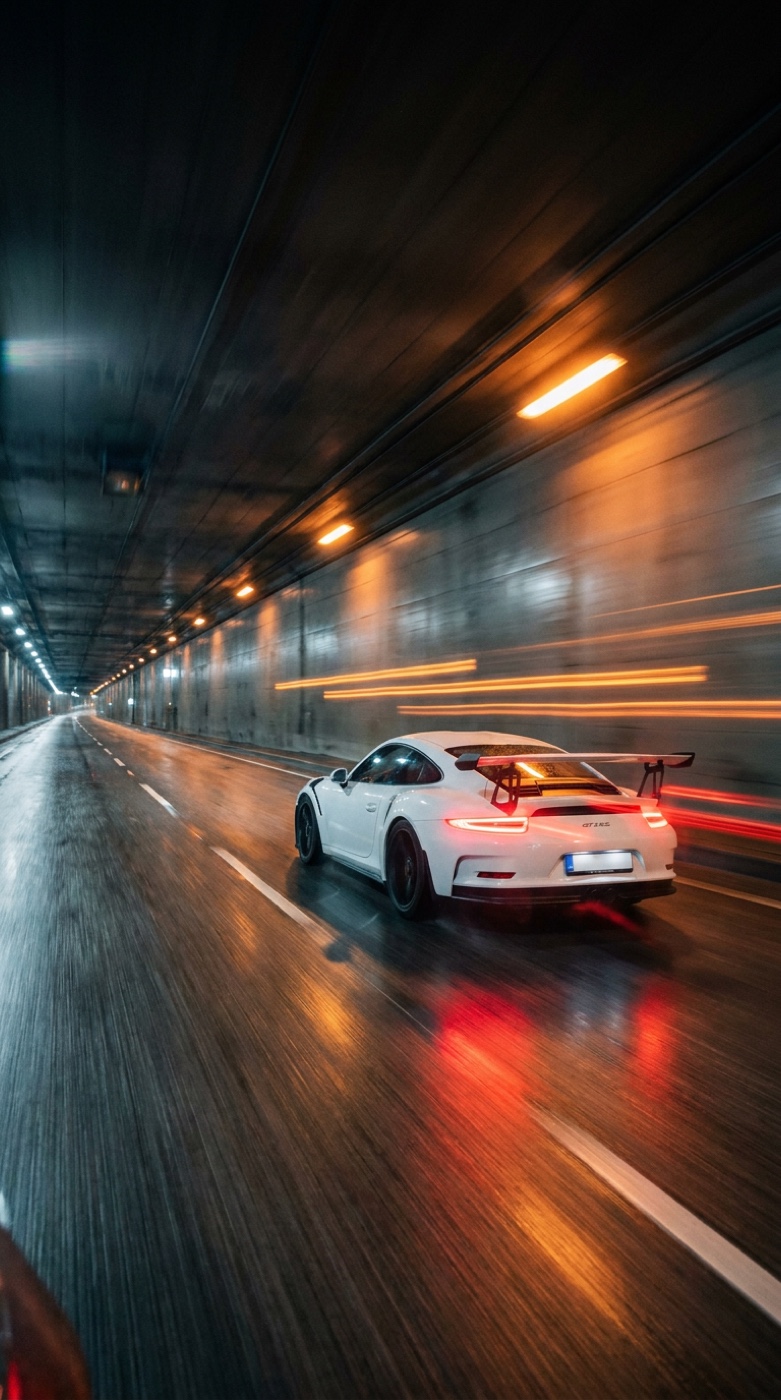
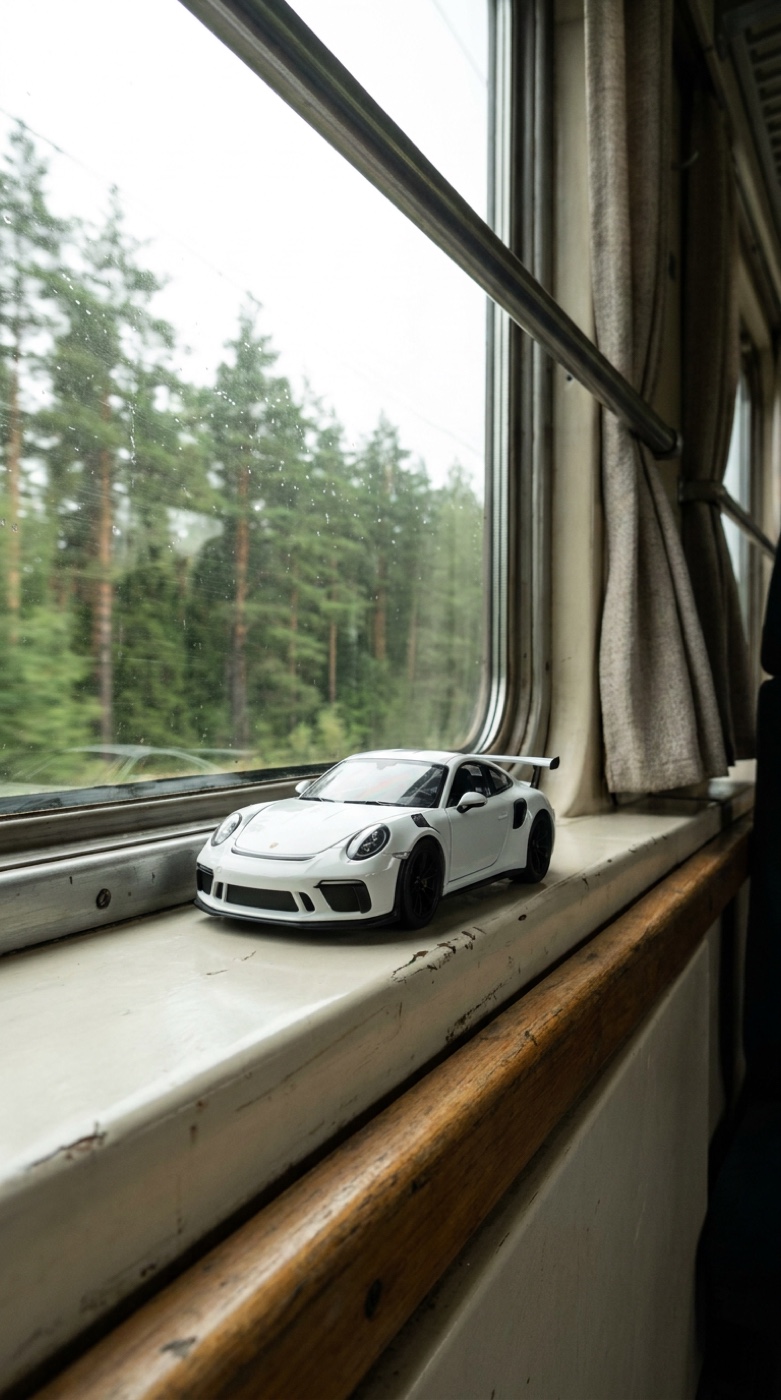
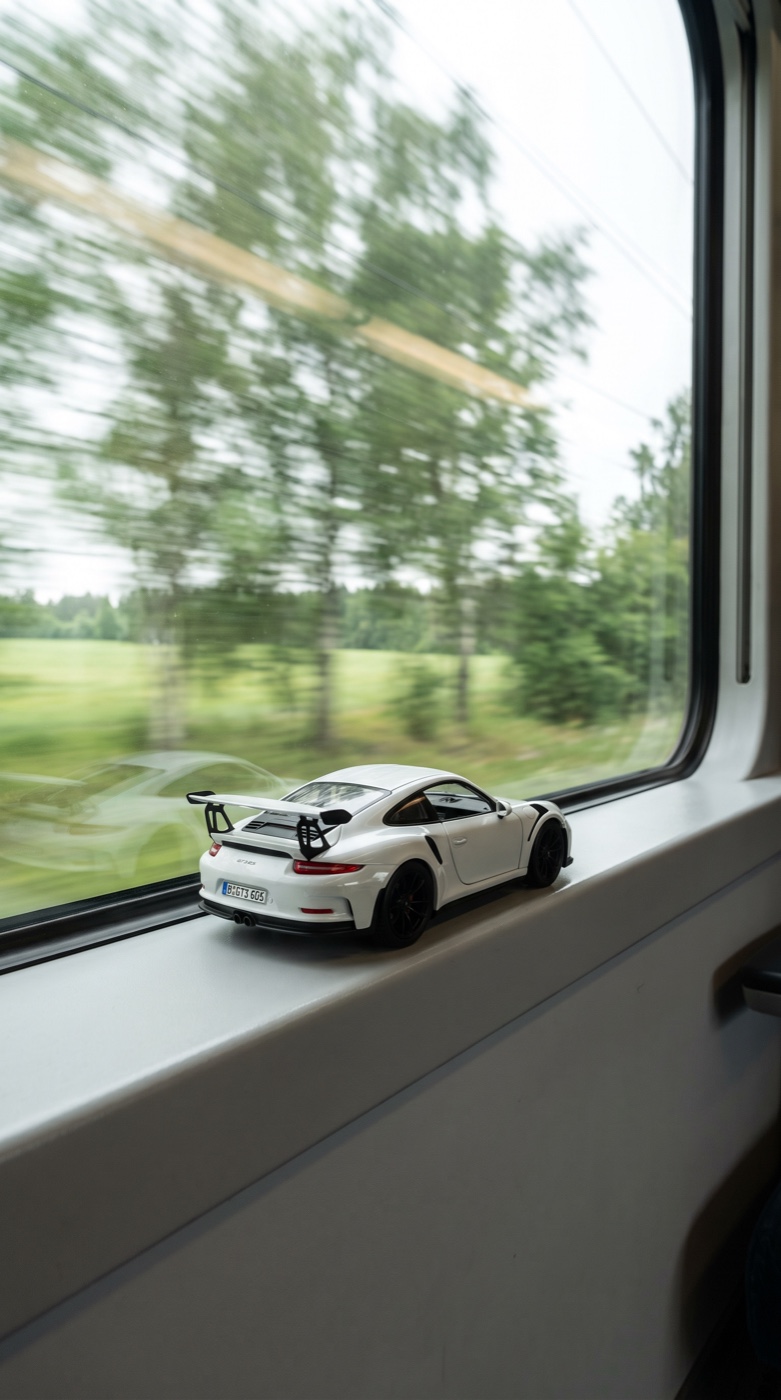
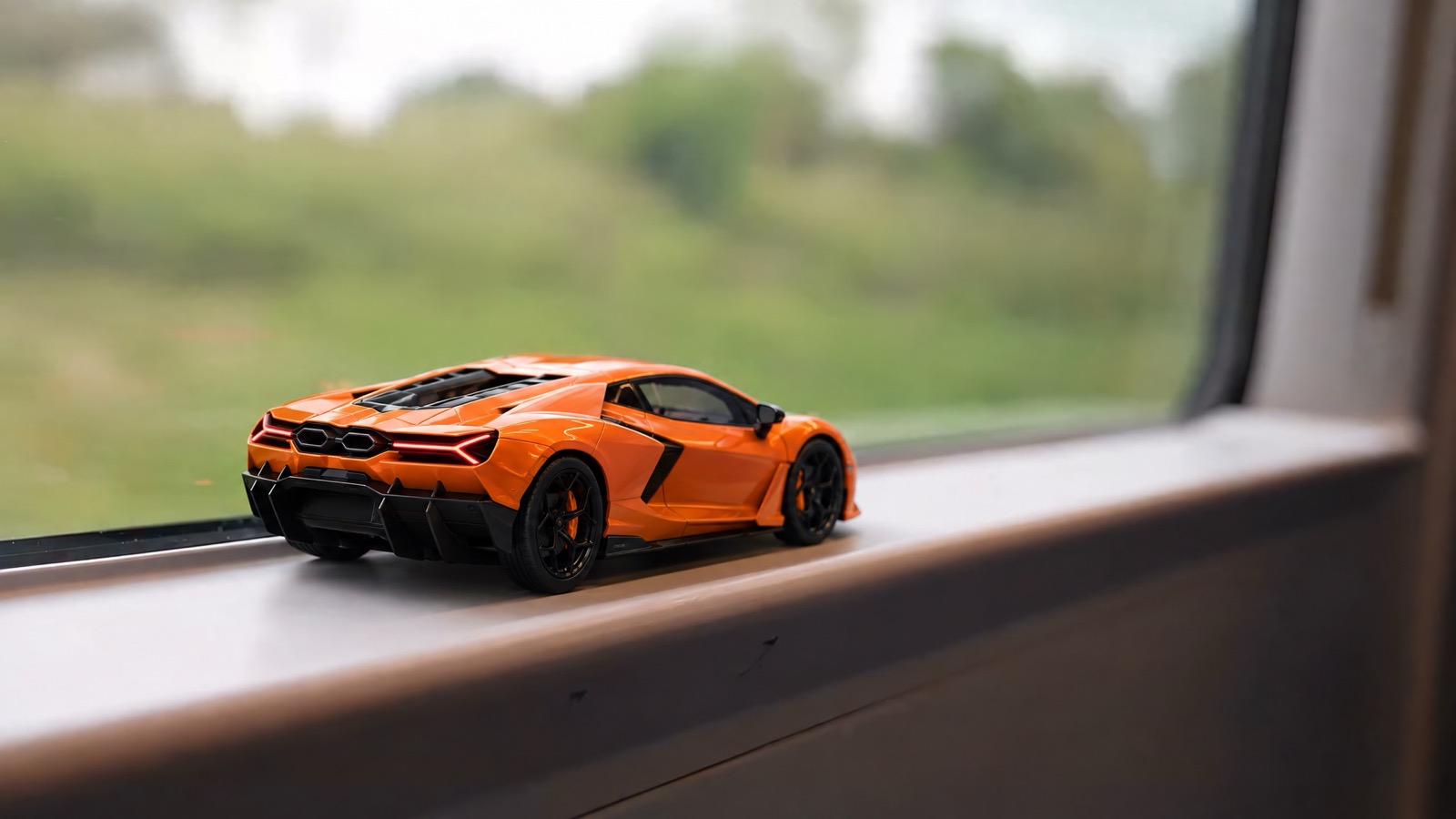
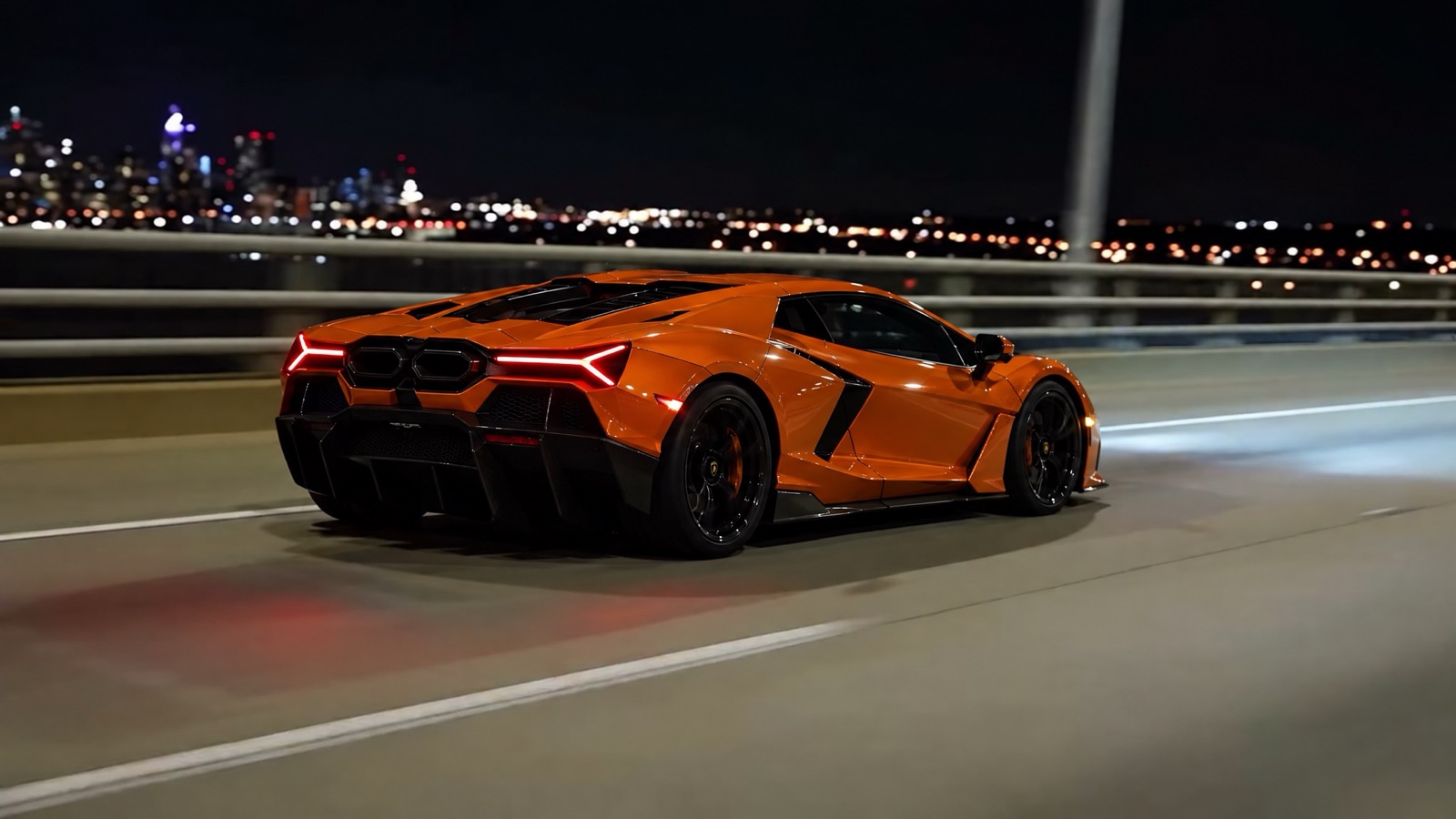
A toy car on a train window that slowly becomes a real car in the dark tunnel, made with either Kling 4.0 keyframes or Seedance 2.5 video to video.
Tools used
- Kling 4.0 (any website that gives you access to it)
- Kling 4.0 Omni (optional hero shots)
- Seedance 2.5 Edit (video to video)
- Nano Banana or any image model
Requirements
- Access to Kling 4.0 (method 1) or Seedance 2.5 with its Edit mode (method 2)
- An image model for the pictures (I used Nano Banana)
- For method 2: a clip you are allowed to use, with its audio removed
On this page · 11 steps
Your progress
0 of 11 steps
The walkthrough
Step 01 / 11
See what you're making
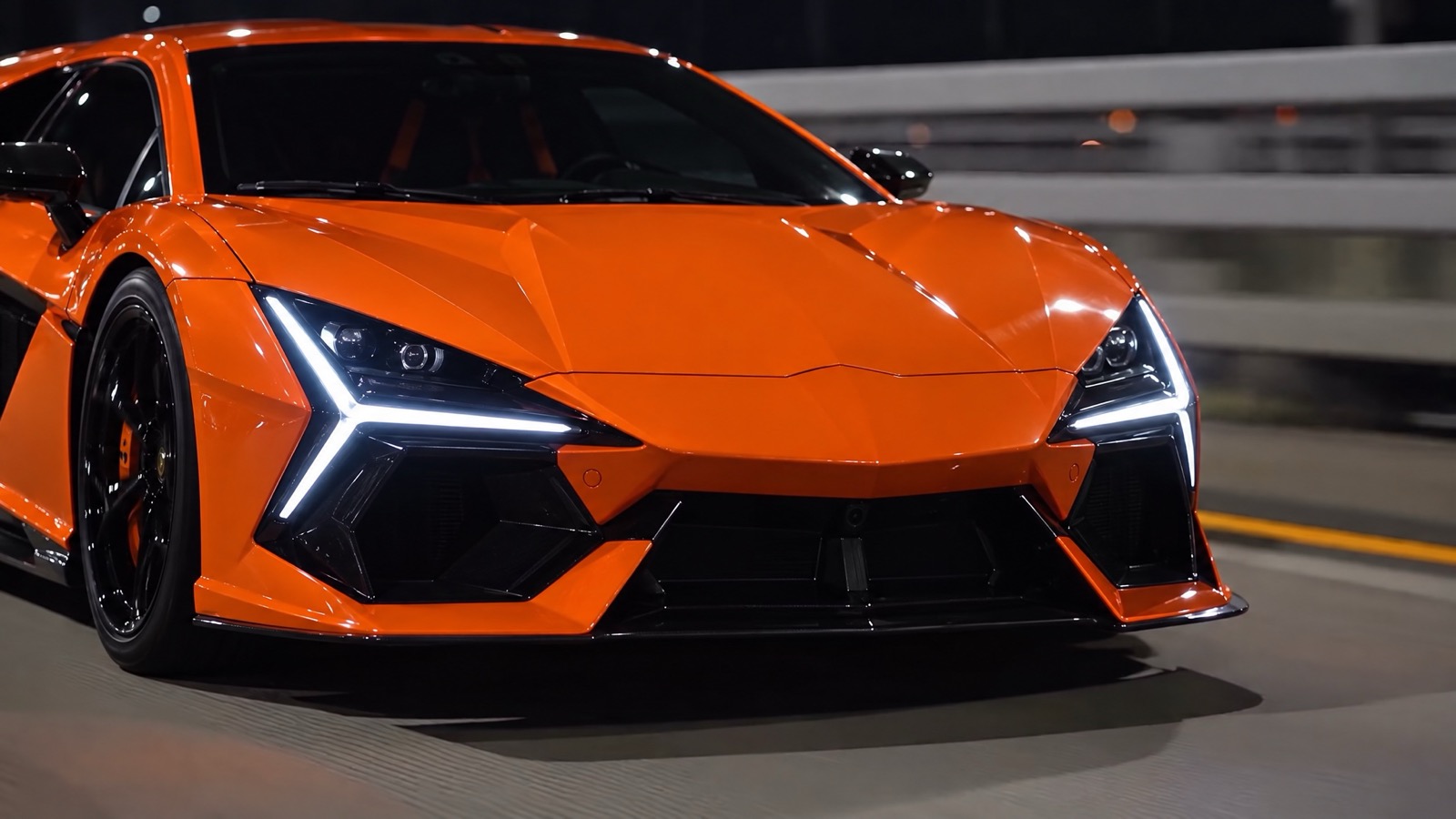
A toy car sits on a train window. The train goes into a tunnel, everything goes dark, and when the lights come back the toy has become a real car. This is the Seedance 2.5 video-to-video result: almost 28 seconds, with the same orange Lamborghini Revuelto in every shot. Further down is the Kling 4.0 result from method 1. Every car, toy and shot here is AI-generated.
Step 02 / 11
The trick: slow, and in the dark
I studied a viral version frame by frame. The toy sits on the window in daylight for about six seconds, so your brain believes it is real. Then the train enters the tunnel, and the change happens in near darkness, slowly, over about four seconds. You never see the moment it changes. That is why it works, and it is what both methods below copy. I tested Kling 4.0, Kling 4.0 Omni, Seedance 2.5 and Veo 3.1. Seedance 2.5 with keyframes turned the car into glowing cubes, Veo 3.1 gave a hard cut, and one Kling take went black in the middle. The two methods below are the ones that worked.