
Before you begin
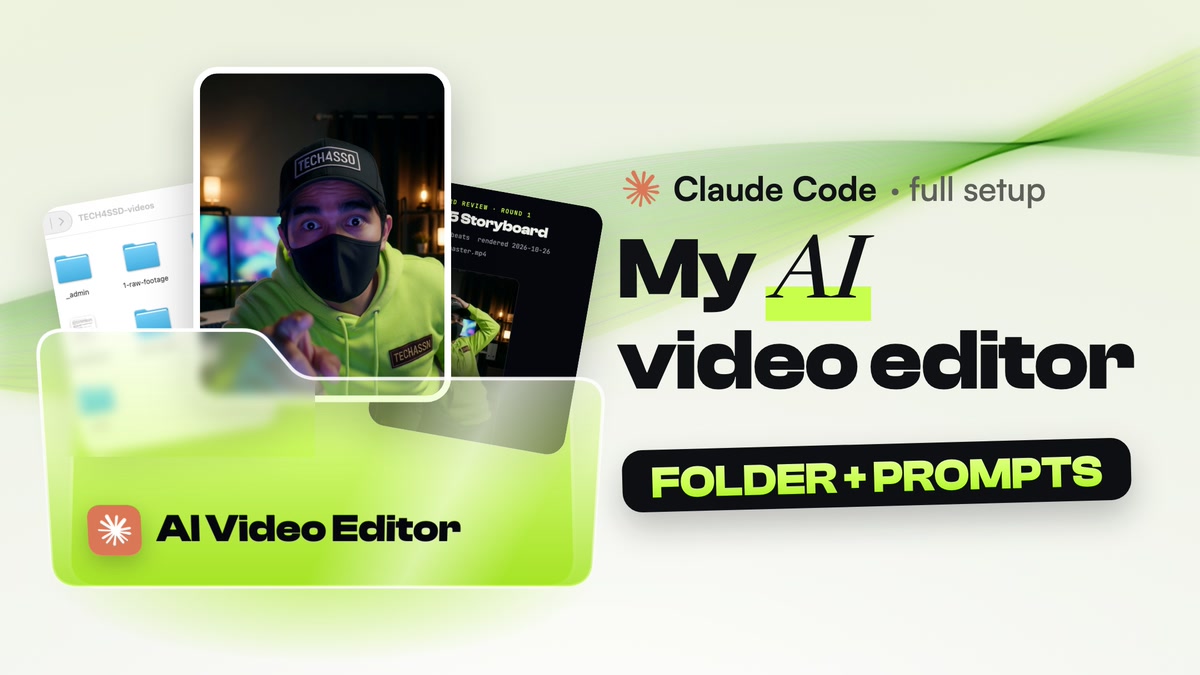
Your own AI video editor: one organised folder that Claude Code works in, FFmpeg, Whisper and yt-dlp installed, a brand sheet that keeps every edit on-style, and copy-paste prompts for the edit, a phone storyboard review, a self-check and a seamless loop.
Tools used
 Claude desktop app (Code tab)
- FFmpeg
- Whisper (faster-whisper)
- yt-dlp
Requirements
- A Claude plan that includes Claude Code (Pro or Max)
- The Claude desktop app on a Mac or Windows computer
- 3 to 5 videos whose style you love (links are fine)
- Your own footage: a phone take, a screen recording or AI clips
On this page · 8 steps
Your progress
0 of 8 steps
The walkthrough
Step 01 / 08
Use the Claude desktop app, not the browser
Install the Claude desktop app and open the Code tab. Unlike Claude in the browser, Claude Code in the desktop app works directly on the files on your computer: it can read your footage, run FFmpeg and save finished videos into your folders. When you start a session, pick "This computer" and choose the folder you make in the next step.
Download the Claude desktop appStep 02 / 08
Make one folder for everything
Make one folder (mine is called TECH4SSD-videos) and open it in Claude Code. Then paste this prompt. Claude creates the structure, a README that explains it, and a CLAUDE.md file with the rules it reads at the start of every session. Inputs go in on the left (raw footage, references, songs, sounds), finished videos come out in 3-exports, and every video gets its own working folder in projects.