Before you begin
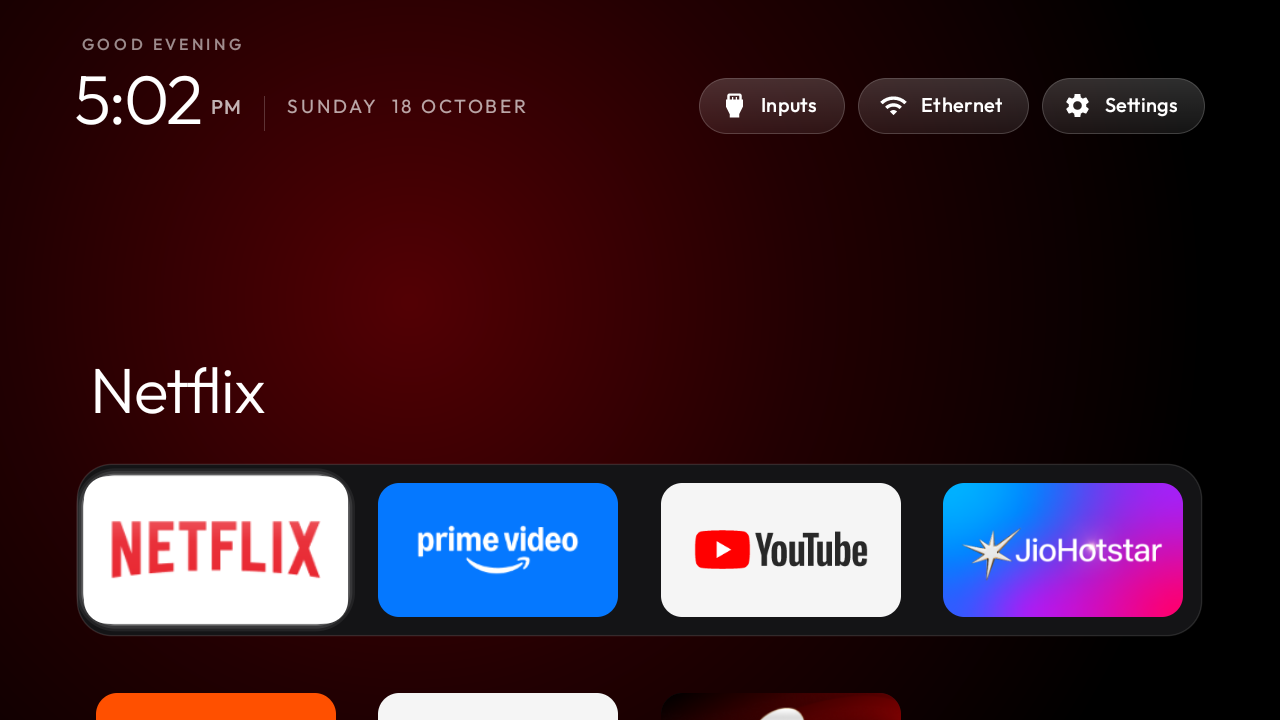
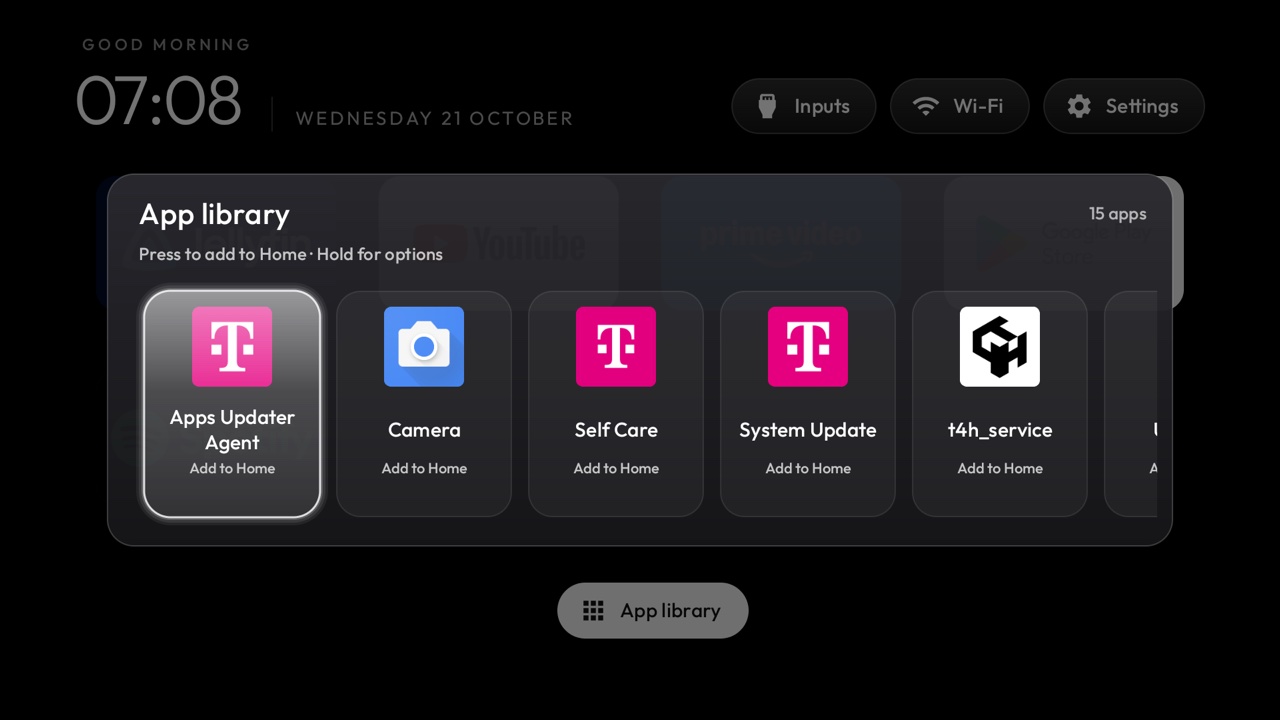
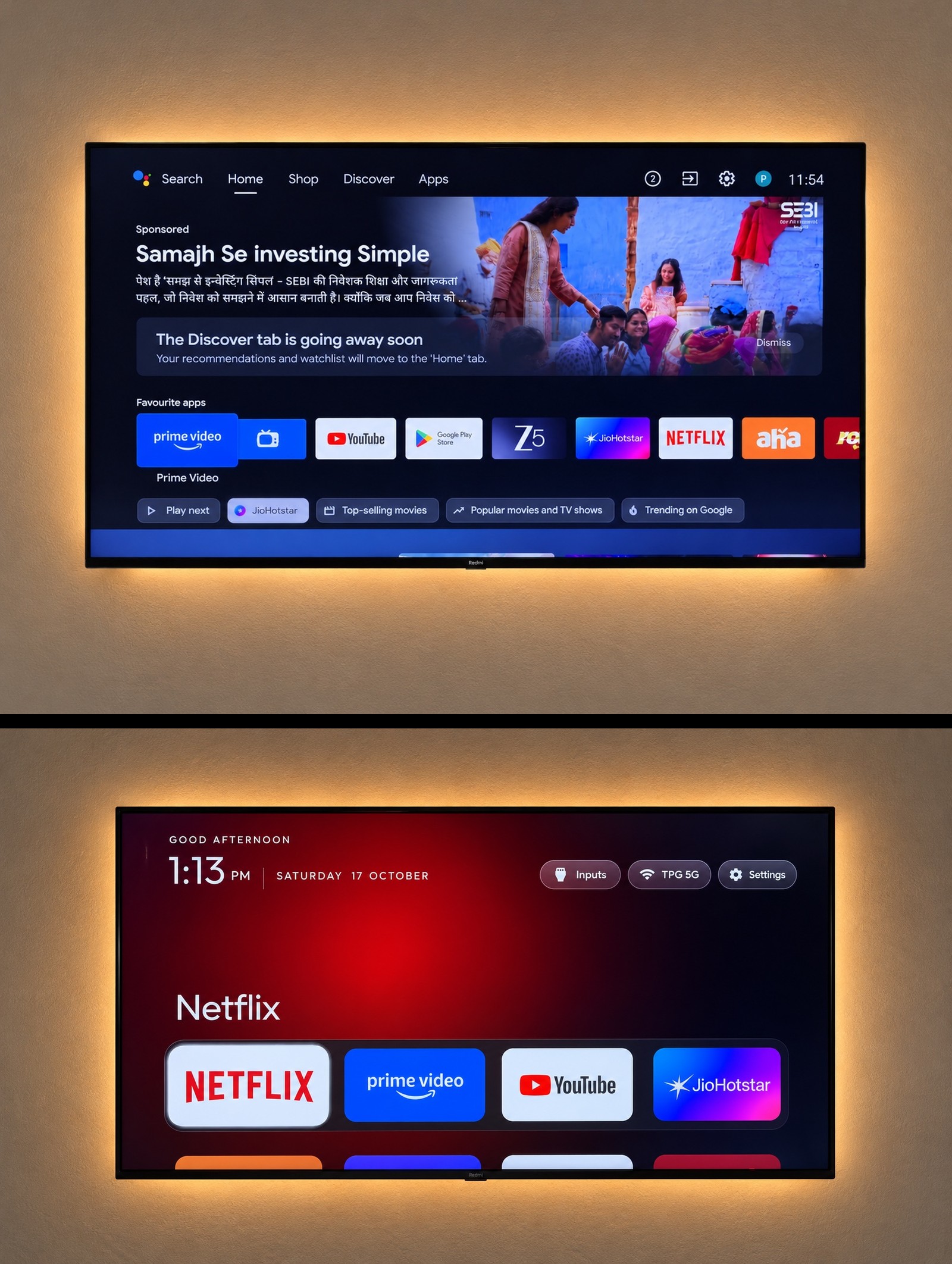
Your Android TV or Google TV with the ads, tracking and junk apps switched off, a clean Apple TV style home screen with only your apps, a backup, and a one-line restore if you change your mind.
Tools used
 Claude Code
- cleanyourtv (free, open source, MIT licence)
- ADB over Wi-Fi (Claude sets it up)
Requirements
- An Android TV or Google TV (Xiaomi, TCL, Hisense, Sony, OnePlus, Realme, Nvidia Shield and most others). Not Samsung, LG, Roku or Fire TV.
- A laptop on the same Wi-Fi as the TV, with Git installed
- Claude Code (or another coding agent with terminal access, such as Codex or Gemini CLI)
- Your TV remote and about 30 minutes in one sitting
On this page · 8 steps
Your progress
0 of 8 steps
The walkthrough
Step 01 / 08
Check your TV runs Android TV or Google TV
This only works on TVs that run Android TV or Google TV: Xiaomi, TCL, Hisense, Sony, OnePlus, Realme, Nvidia Shield and most others. Open Settings, then Device Preferences (or System), then About. If it says Android TV OS or Google TV, you're good. Samsung (Tizen), LG (webOS), Roku and Fire TV don't work with it. For those, the same project has a remote-only guide that turns off the tracking: cleanyour.tv/not-android.
Continue from here